Sponsored by |  |
| | Welcome back to Art Piece 👋
Another week, another tip, and another free Photoshop tool you can use to improve and inspire your digital creations. | Let’s dive in 🙌 | | | | | Today’s Tip: | Turn Photos Into Pencil Sketches…In Minutes | Insight from Adobe | Digital camera or smartphone photo. Black and white or color. You can use Photoshop to turn any photo into a pencil sketch — and best yet, it’s a quick transformation. | Ready to get started? Here’s what you need to do: | Open Photoshop. If you don’t already have Photoshop, you can start a free trial here.
Bring your photo into Photoshop: Choose a high-resolution, sharp-contrast portrait photo for the best results. Blurriness is the enemy when converting photos to drawings.
Select your subject: Use the Object Selection tool to select the area you want to turn into a sketch. Copy and paste the selection to a new layer, then desaturate it (Image > Adjustments > Desaturate).
Duplicate and invert: Duplicate the desaturated layer, then invert it (Image > Adjustments > Invert). Change the blending mode to Color Dodge and convert the layer to a Smart Object.
Create the main drawing effect: Apply a Gaussian Blur (Filter > Gaussian Blur) to the Smart Object. Adjust the Radius slider to achieve the desired effect, from charcoal to fine-lined pencil.
Make your final adjustments: Add a Levels adjustment layer and change the blending mode to Multiply for a more refined sketch.
| Unsure if a pencil sketch finish is right for you? Experiment with chalk and charcoal and pen and ink, too. | Use today’s free tool for a pencil sketch makeover👇 |
| |
| | |
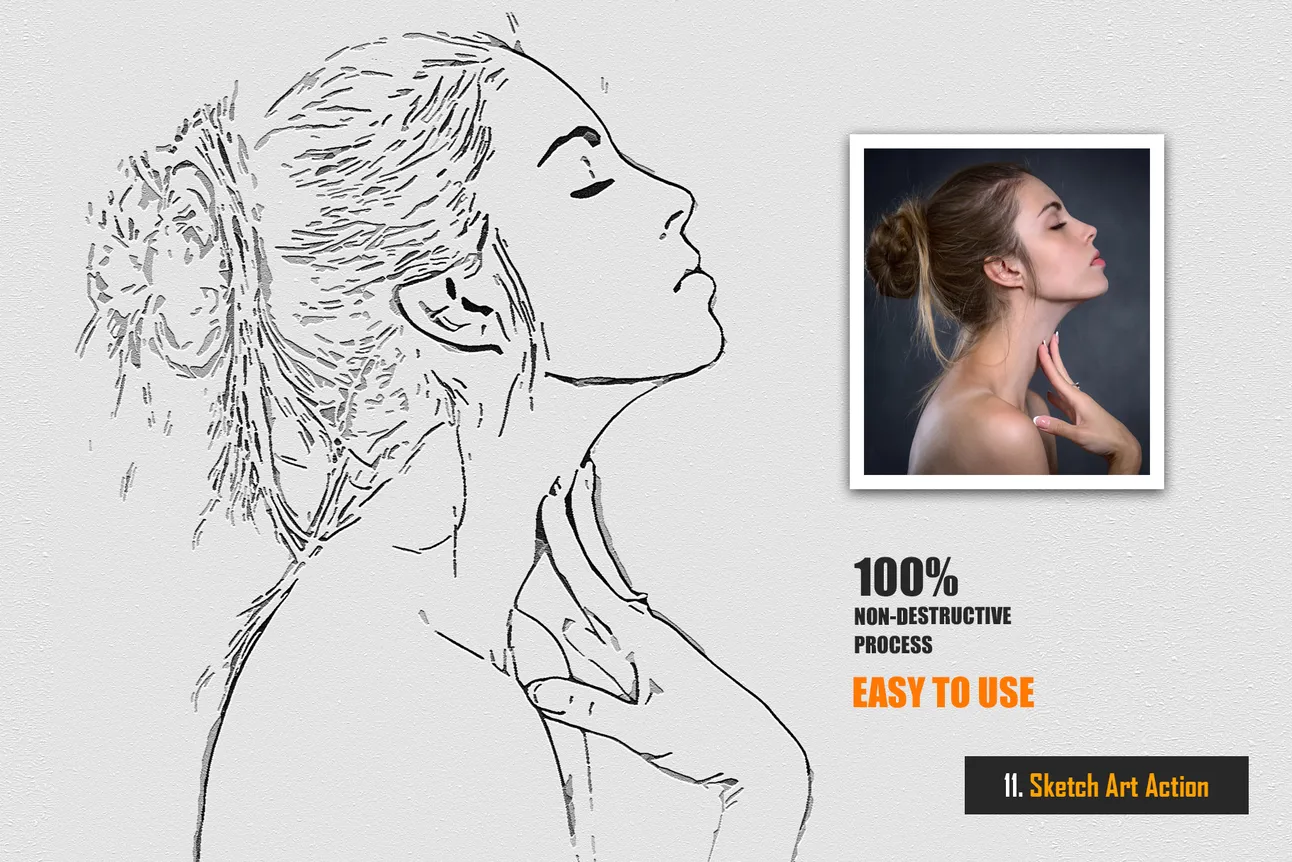
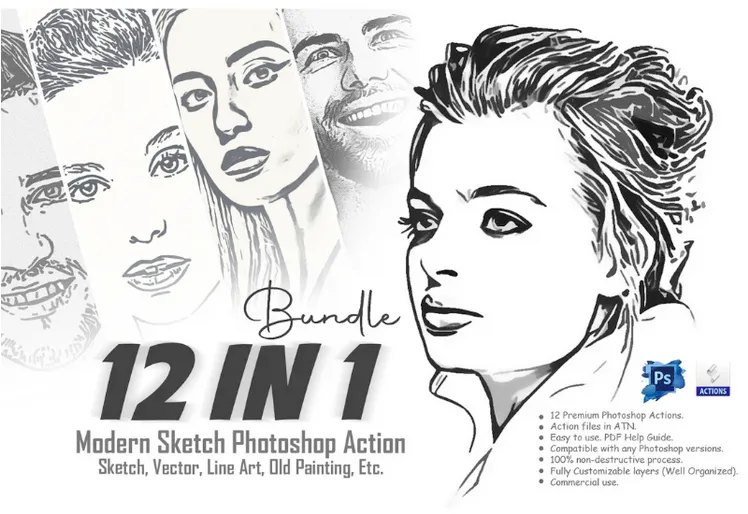
| | | | | Today’s Free Tool: | 12-in-1 Modern Sketch Photoshop Actions Bundle | | Some photos are PERFECT to transform into a pencil sketch, and with this week’s tool, you’re ready to make magic happen. | The 12-in-1 Modern Sketch Photoshop Actions Bundle is a game-changer for artists, photographers, and creatives looking to add a sketch aesthetic to their projects. | The bundle includes 12 unique actions, perfect for any style — from bold and dynamic to subtle and refined. | Whether you're working on portraits, landscapes, or another project that needs a modern sketch touch, this bundle has you covered.
And, just like every week, we have a free sample for you to download and try out. | Today’s the day to turn your photos into realistic pencil sketches! | |
| |
| | |
| | | | | That’s all for this week! | Tune in again next Monday for another set of free tips and tools. |
| |
| | |
| What did you think of today's free tool?Let us know what kinds of tools and content you'd like to see in future newsletters! | | Photo of the Week | | Looking for unbiased, fact-based news? Join 1440 today. | | Join over 4 million Americans who start their day with 1440 – your daily digest for unbiased, fact-centric news. From politics to sports, we cover it all by analyzing over 100 sources. Our concise, 5-minute read lands in your inbox each morning at no cost. Experience news without the noise; let 1440 help you make up your own mind. Sign up now and invite your friends and family to be part of the informed. | Subscribe to 1440 today. |
|