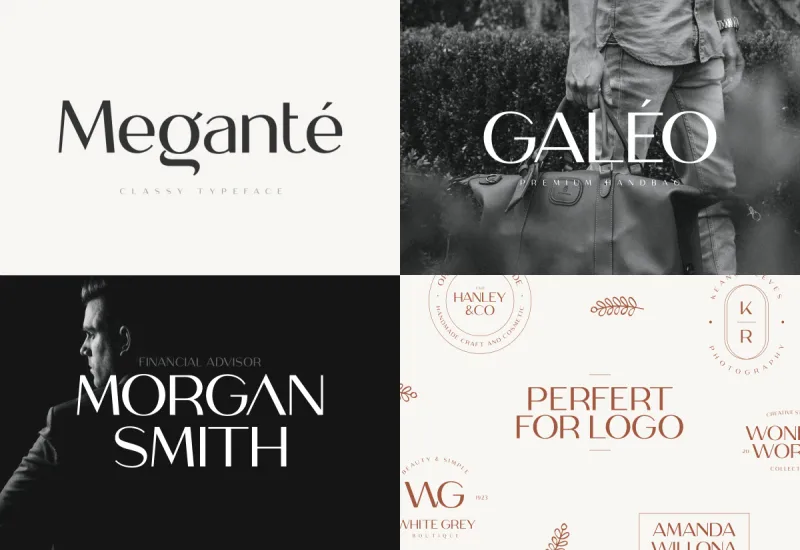
| Welcome back to Art Piece 👋
Another week, another tip, and another free tool you can use to improve and inspire your digital creations. | Let’s dive in 🙌 | | | | | Today’s Tip: | Digitize Hand Lettering Using Illustrator’s Image Trace | Insight from LetteringLeague | Today we dive in to how Lettering artist can monetize their passion. Follow this step by step guide and “let the chips fall where they may”. | Here are the quick and simple steps: | Scan it: After you’ve completed your hand-produced lettering, take a photo of your work with your mobile phone. Open it: Load the photo onto your computer and open it in Photoshop. Adjust it: Make the necessary adjustments to perfect your piece and converting it into black and white in Photoshop. Drop it: Drop your adjusted artwork into Illustrator. Convert it: Convert your artwork into vector using image trace. Tweak it: Expand and ungroup your letters and make final tweaks. Sell it: When your masterpiece is done, get in touch with marketplaces out there. I’d recommend Adam at [email protected]. We’ve had great working relationships.
| Just don’t feel like creating new fonts / images and want to head straight to the today’s free tool, it’s right below👇 |
| |
| | |
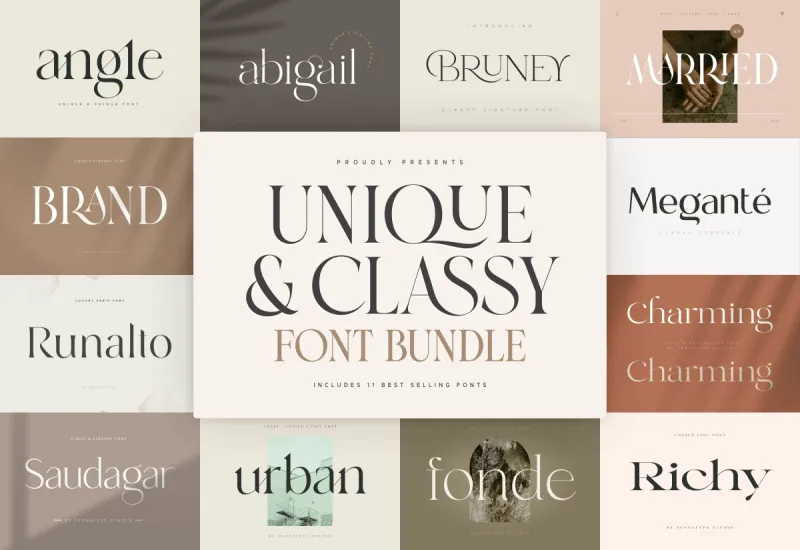
| | | | | Today’s Free Tool: | | | Very simple. These fonts are just Unique & Classy. | Here’s what you get: | | |
| |
| | |
| | | | | That’s all for this week! | Tune in again next Monday for another set of free tips and tools. |
| |
| | |
| Are we even providing value to you? | |
|