| Welcome back to Art Piece 👋
Another week, another tip, and another free Photoshop tool you can use to improve and inspire your digital creations. | Let’s dive in 🙌 | | | | | Today’s Tip:
Maintain Design Consistency With Adobe Photoshop Lightroom | Insight from Adobe | How can you maintain design consistency when there are so many elements to consider? | There’s an easier way than making manual edits:
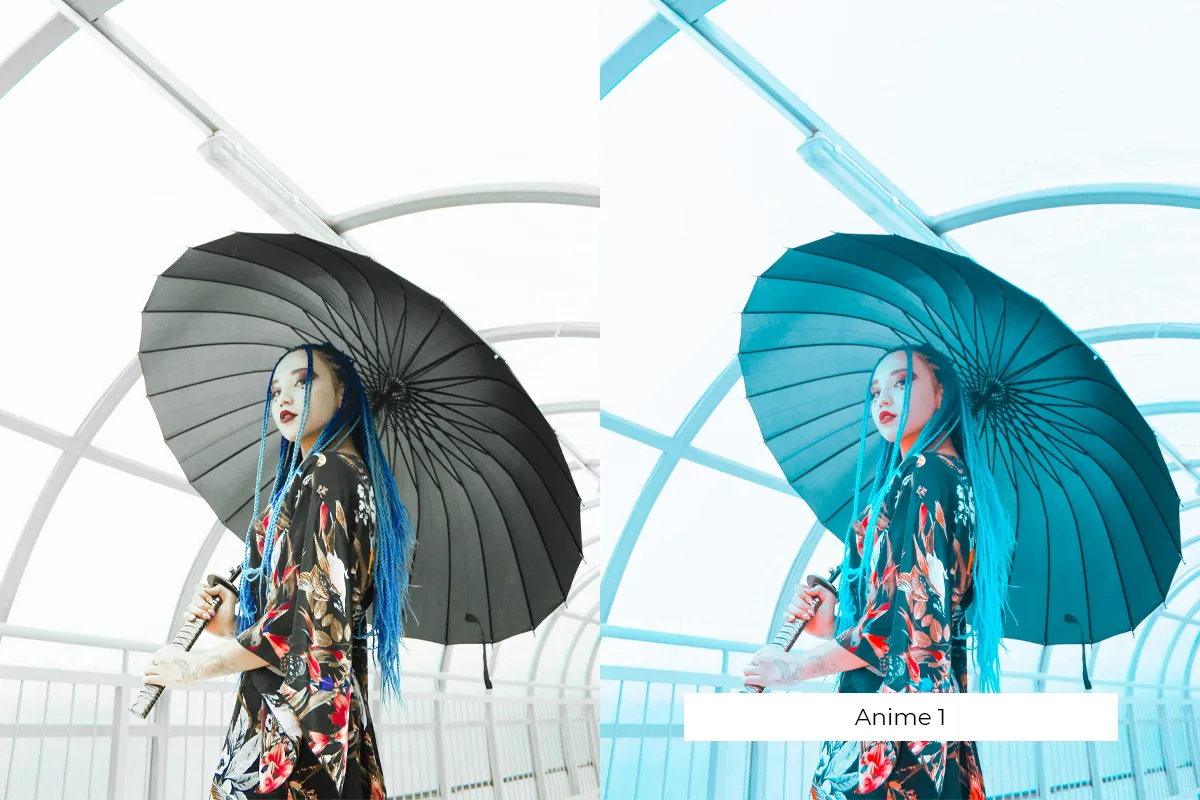
Using custom presets within Adobe Photoshop Lightroom. | Here’s how it works: | Import and select a photo: Open Lightroom, import your photo, and switch to the Develop module (D on your keyboard). If you don’t have a subscription to Adobe's Photography Plan, you can try it for free by clicking here.
Adjust basic settings: Make basic adjustments like exposure, contrast, highlights, shadows, whites, and blacks in the Basic panel. Fine-tune the white balance with the Temperature and Tint sliders.
Apply creative edits: Enhance your photo with clarity, vibrance, and saturation adjustments. Use the Tone Curve for contrast and brightness tweaks.
Refine with detail adjustments: Sharpen your image in the Detail panel and reduce noise using the Luminance and Color sliders in Noise Reduction.
Make lens corrections and effects adjustments: Enable 'Remove Chromatic Aberration' and 'Enable Profile Corrections' in the Lens Corrections panel. Add vignetting or grain in the Effects panel.
Create and save the preset: Click the + icon next to the Presets panel, select 'Create Preset', name it, choose settings to include, and click 'Create' to save.
| Six steps = design consistency! | Use today’s free tool for all your vintage design needs👇 |
| |
| | |
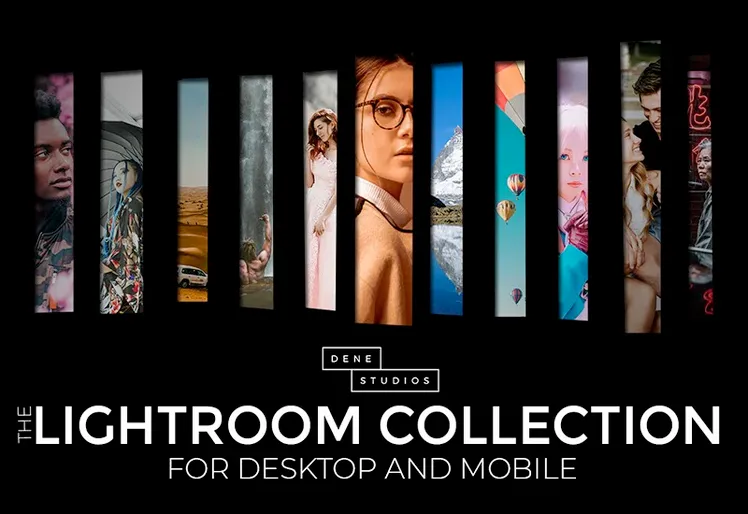
| | | | | Today’s Free Tool: | The Lightroom Presets Collection | | The Lightroom Presets Collection takes all the guesswork out of using presets. | This instant download includes 216 presets that you can immediately implement to maintain consistency across all of your photos and designs. Here’s what you get: | 216 Lightroom and Adobe Camera raw presets Includes both desktop and mobile files Easy to use and install for beginners Commercial license with easy-to-use instructions
| From California to Caribbean, from minimal to white light, you’re sure to find the perfect preset for your brand. | Are you ready to get started? | |
| |
| | |
| | | | | That’s all for this week! | Tune in again next Monday for another set of free tips and tools. |
| |
| | |
| What did you think of today's free tool?Let us know what kinds of tools and content you'd like to see in future newsletters! | | Photo of the Week | |
|