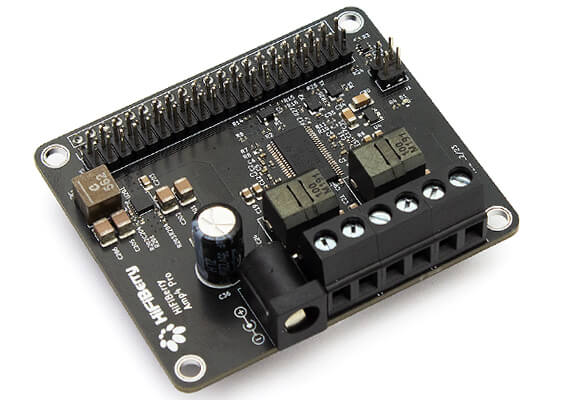
The HiFiBerry AMP4 Pro is an advanced version of the standard AMP4 DAC/amplifier for Raspberry Pi, with integrated dual-domain clocks for optimal audio clock generation.
Mount it onto the Raspberry Pi and you have a stereo audio system - just connect your 4-8 Ohm loudspeakers. It provides up to 60W power and you only need a single 12-24V power supply to power the Pi and AMP4 Pro.
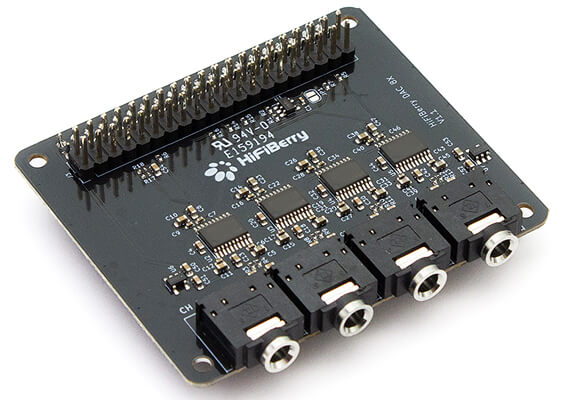
The HiFiBerry DAC8x offers 8 channels of high-quality audio output up to 192kHz sample rate for your Raspberry Pi 5, for projects such as home theatre or spatial audio.
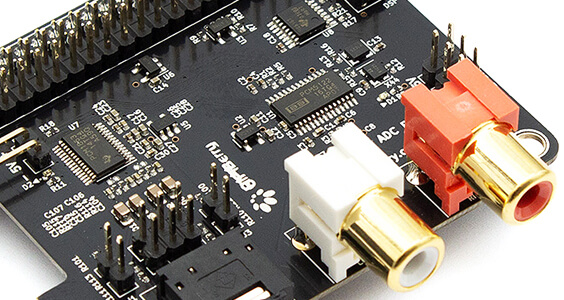
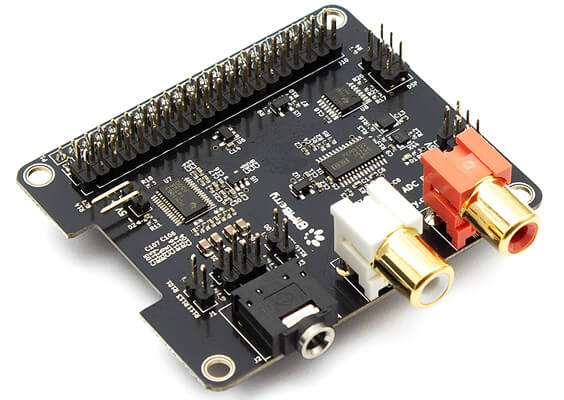
The HiFiBerry DAC2 ADC Pro is a high-resolution digital-to-analog and analog-to-digital converter for the Raspberry Pi, which combines the DAC2 Pro with an analogue input for playback and recording.
Both input and output support sample rates up to 192kHz. It's also HiFiBerry's first DAC/ADC board that also supports the DSP add-on!
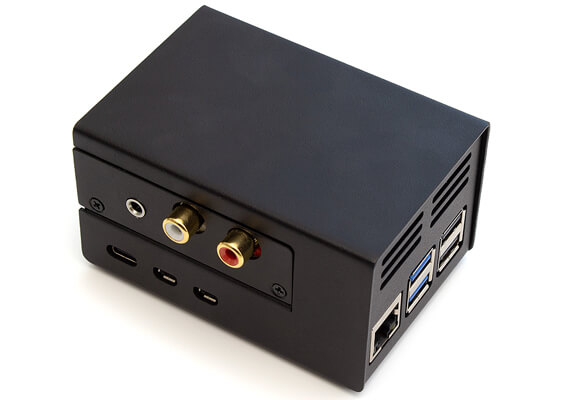
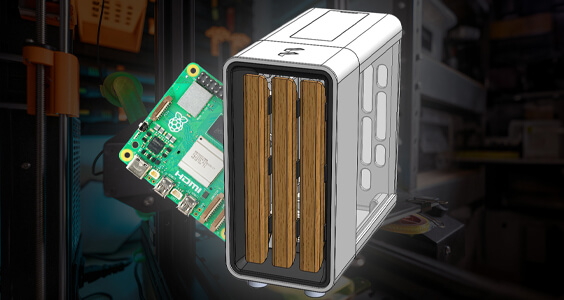
HiFiBerry had this case custom-designed to fit a Raspberry Pi 5 alongside their range of DAC, AMP and Digi boards (not compatible with DAC8x, DAC+DSP or XLR boards).
The black-coated steel which helps with thermals, and uses a clever backplate system which allows you to swap out the plate depending on the HiFiBerry HAT you're using.
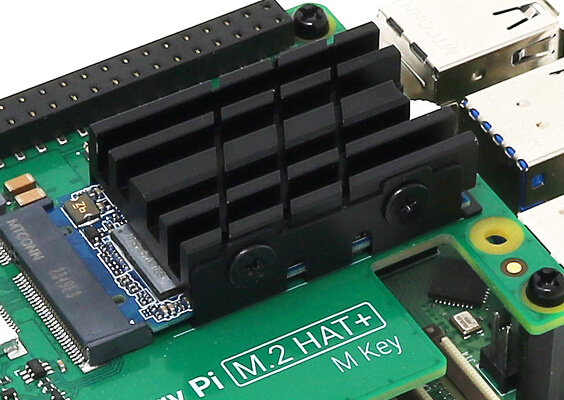
We wanted a decent heatsink for our M.2 HAT+ for a bit of 'thermal insurance'...and because heatsinks look cool!
This heatsink fits the Raspberry Pi M.2 HAT+ perfectly. It uses a clever cradle system that fits under the drive with the help of an adhesive strip, and then the main body is secured with screws, transferring heat via a thermal pad.
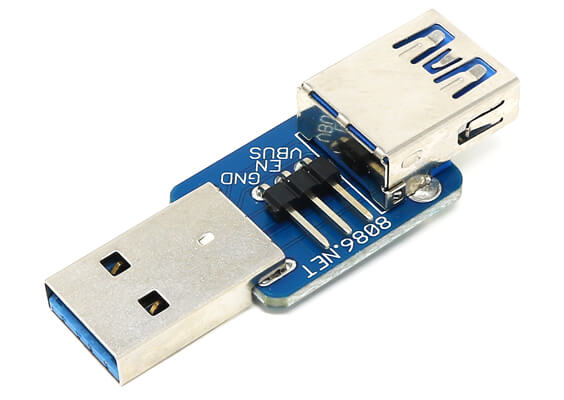
Disconnect VBUS, USB3, or USB2 signals between a USB 3 Type-A plug and socket!
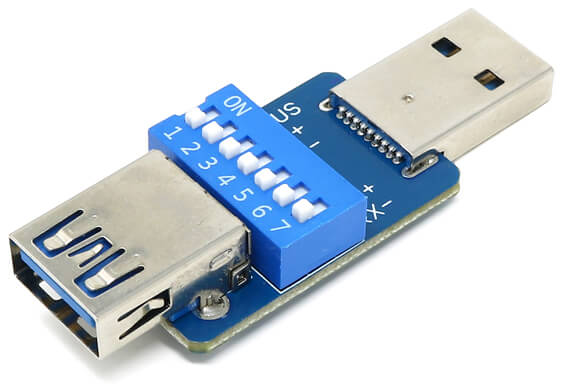
USB3 Sever allows you to select which pins are connected between the USB 3 Type-A plug and socket, using seven small DIP switches. Slide the switch to "ON" to connect the signal which is labelled by the side of each switch.
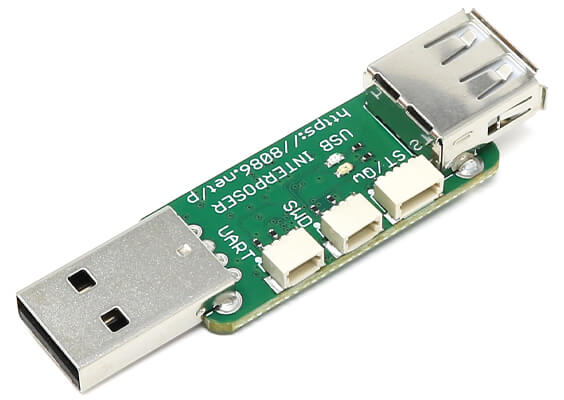
The USB Interposer is a compact RP2040-based board with two USB ports - the USB 2 Type-A plug is connected to the hardware USB device and the USB socket is connected to GPIO, allowing it to be used with Pico-PIO-USB.
We checked out Pico-PIO-USB on GitHub, and there are some interesting example projects such as usb_device.c..."a HID USB FS device sample which moves a mouse cursor every 0.5s" 👀👀
Tony's back with another episode in the MicroPython Skill Builder series, this time demonstrating how to input values from a Matrix Keypad with a Pico and MicroPython.